NTC33 · Install notes
NTC33 came in three pieces: two Android apps and a PC client
A slots APK, a live games APK, a Windows installer and a browser link, but nothing for iPhone. How NTC33 was split up, and how to install any of it more safely.
NTC33 came as two Android apps, not one. The old page, which also called it Newtown Casino, listed an APK for slot games and a second APK for live games, then a Windows PC installer and a button to play in the browser. There was no iPhone file at all, and the FAQ said so plainly. All four buttons are dead today. This page keeps the notes and drops the files.
Slots and live tables, installed separately
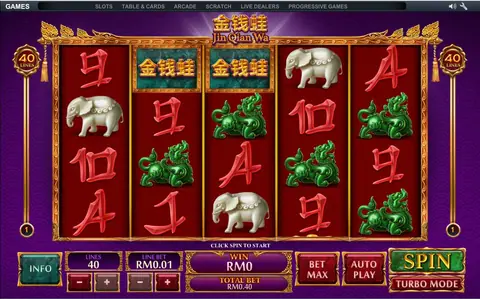
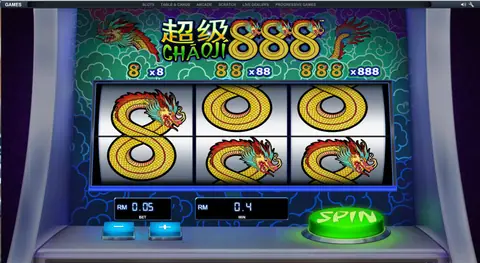
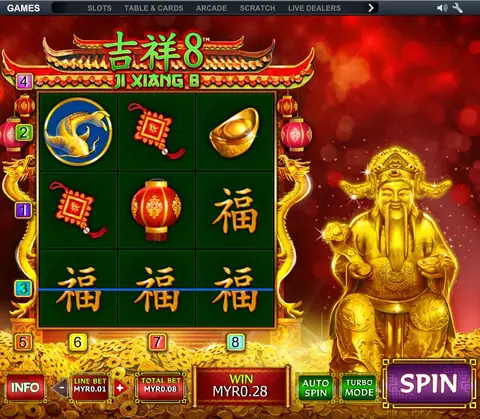
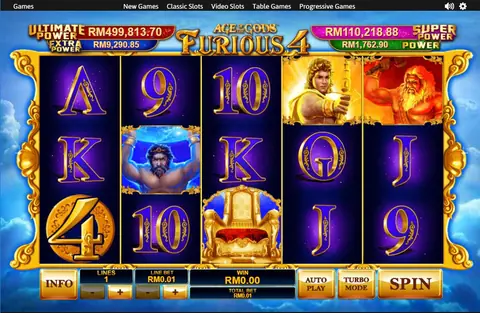
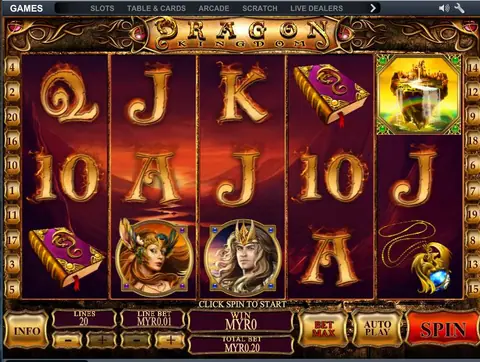
The split matters more than it looks. Each APK is a separate app with its own permissions, its own updates and its own chance of being the tampered one. If you only want the slots, you only need one file. Our NTC33 overview and the NTC33 game list cover the Playtech slots and the Baccarat, Roulette and Hi-Lo tables the old site wrote about. The live dealer side we only know from its button.
Getting an APK past Android's guard
These apps aren't in Google Play, because the store only carries real-money gambling from operators licensed in the country, and online gambling is illegal in Malaysia. To install one anyway, the app you open the file with needs "Install unknown apps" permission: Settings > Apps > Special app access. Give it to that one app, install, and take it back. Do it twice if you install both clients, and keep Google Play Protect switched on.
The Windows client and SmartScreen
A Windows installer from outside the Microsoft Store usually isn't signed by a known publisher. Windows then shows a blue "Windows protected your PC" box, with Run anyway hidden under More info. That warning doesn't mean the file is harmful. It means Windows has no idea who made it, so the question of trust lands on you:
- Take the installer only from the agent who issued your ID, and ask them for the file size.
- Right-click it and scan it with your antivirus before running it.
- If the installer, or anyone, tells you to switch off your antivirus or add an exclusion, stop.
Playing in the browser instead
The old page also linked a web version, on a domain that has since changed hands. A browser version skips the install, but it moves the risk to the address bar: lookalike login pages are common. Type the address your agent gives you, check it every time, and never enter online banking details anywhere near a game login.
Signs a file has been tampered with
A slot client needs the internet and very little else. Uninstall straight away if it asks for accessibility access, SMS, contacts, call logs or device administrator rights. The old FAQ offered "free demo IDs" through chat apps. We don't, and you can find every other app's notes under install notes. LPE88's install notes describe the same slots, live and Windows split. For an ID, go through the partner.
18+ only. Online gambling is illegal in Malaysia. Top up only what you can lose, and see responsible gaming for the warning signs.
Questions people ask
Why did NTC33 have two Android apps?
The slot games and the live dealer tables were built as separate clients. The old page offered one APK for each, so a player who wanted both installed two apps.
Can I play NTC33 on an iPhone?
The old FAQ said iOS had no app for it. The page offered Android, Windows and a browser version only.
Is the Windows installer safe to run if SmartScreen warns me?
The warning means Windows can't confirm who made the file. Only run an installer that came from the agent who issued your ID, scan it first, and never switch off your antivirus to get it working.
18+ only. Real-money game, and online gambling is illegal in Malaysia. Don't play with money you need, and stop when it stops being fun. Responsible gaming.