Rollex11 · App overview
Rollex11 and its eleven-tab game menu
A red roulette backdrop, a MYR cashier box and a menu from New Games to Scratch Cards. How Rollex11 was laid out and how its IDs worked.
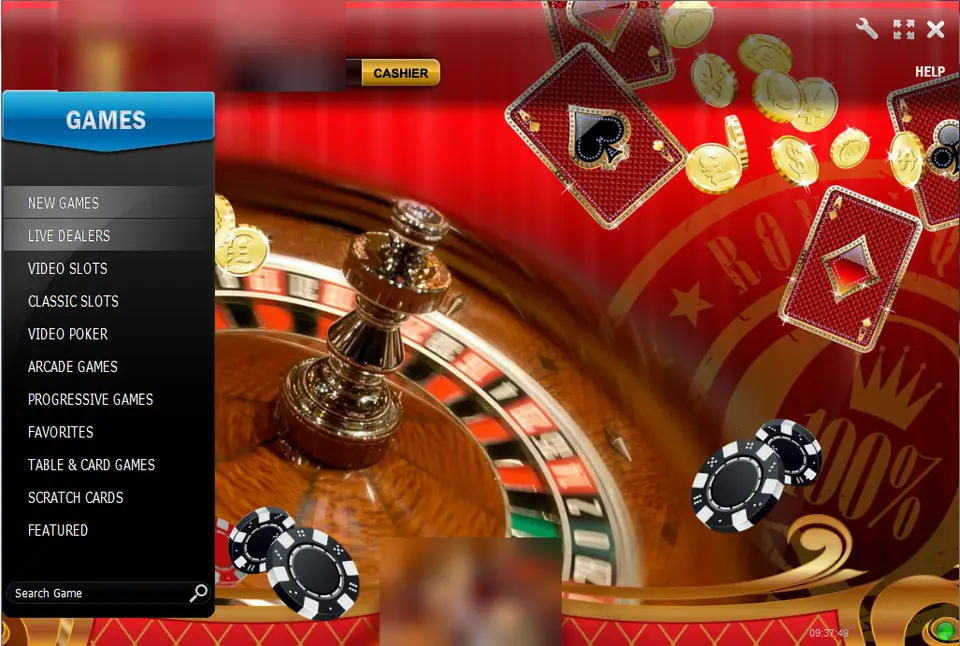
The Rollex11 client opens on a red backdrop with a roulette wheel, falling playing cards and gold coins. Everything useful is in the left-hand panel under a blue GAMES header, and there are eleven sections in it: New Games, Live Dealers, Video Slots, Classic Slots, Video Poker, Arcade Games, Progressive Games, Favorites, Table & Card Games, Scratch Cards and Featured. A Search Game box sits at the bottom.
Above the backdrop there's a Welcome line with your user name, a MYR balance and a yellow CASHIER button, plus tool, full-screen and close icons on the right. We've blurred the user name, the logo and a small model picture at the bottom of the screen. If you've seen the LPE88 overview, the frame will look familiar.
What's behind the menu
The old page promised slots, video poker, live games, arcade games, table games and card games, and the menu backs that up. It named Halloween Fortune as one of the slots and called the whole thing "PC/Mobile", with an Android app, a Windows client and a browser version. The game list on this site is small: eight slots, each written from its own screenshots.
Eight games on this site
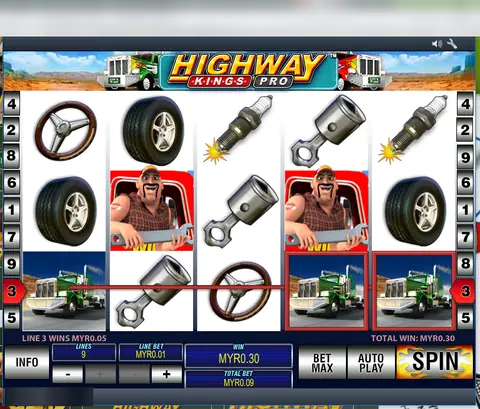
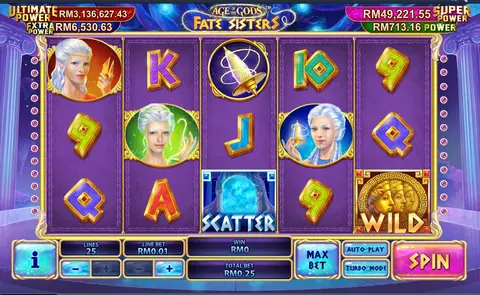
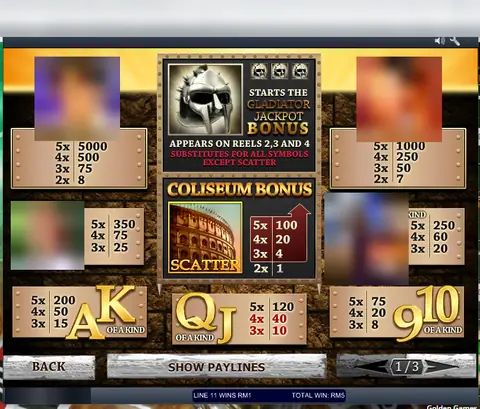
Age of Gods is the Greek-myth slot with four jackpots that LPE88 also carries. Gladiator Jackpot is the arena-themed progressive, and Jackpot Giant is another game built round a big shared pot. Highway Kings Pro is the Playtech trucking slot, the Pro version of the Highway Kings found on other apps. Football Rules is a football slot with a Joker123 twin.
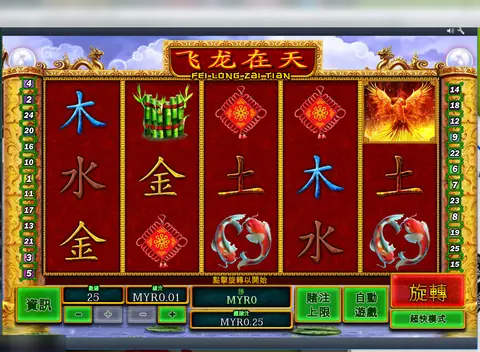
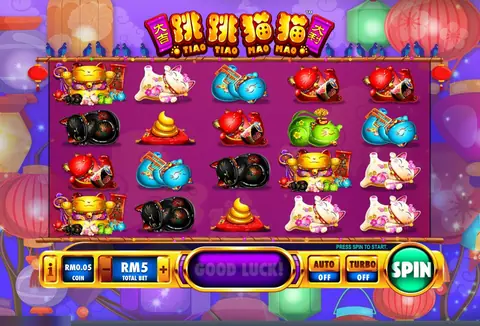
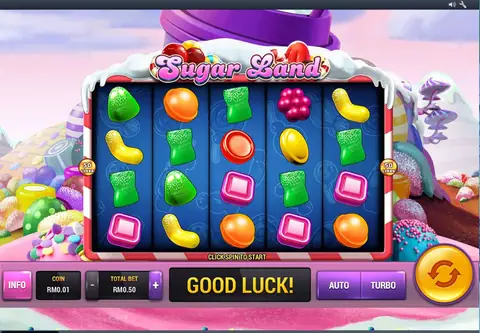
The Chinese-themed side is Fei Long Zai Tian, whose name means a dragon roaming the sky, and Tiao Tiao Mao Mao, a cartoon-cat slot with a Cascading Kitties feature. Sugar Land fills its reels with sweets. All eight are on the Rollex11 game list.
How IDs and credit work
Rollex11 has no register button. An agent gives you a user name and password, and your balance is whatever credit that agent has loaded. You top up by bank transfer, DuitNow or e-wallet to the account they give you. The CASHIER button won't take your bank card. To withdraw, you ask the agent, who removes the credit and sends money to your bank.
Credit on Rollex11 stays on Rollex11. Keep screenshots of each transfer and the balance before and after. Try a small withdrawal early on, before you ever send a larger amount, and never hand over your online banking login or a TAC.
Getting it onto a phone or PC
None of this came from Google Play or the App Store. The Rollex11 install notes explain the Android and PC routes and what each one asks you to allow. For the other apps, see the app overview page. If you want to play, ask the partner page for a Rollex11 ID.
18+ only. Online gambling is illegal in Malaysia. Our responsible gaming page has limits that work and where to get help.
Questions people ask
Is Rollex11 related to LPE88 or NTC33?
The client looks very much like LPE88, with the same Welcome line, MYR box, CASHIER button and Search Game field, and several games also turn up on NTC33 and LPE88. We don't know who ran the Rollex11 brand itself.
Can I play Rollex11 on a PC?
The old page said there was a Windows client and a browser version as well as the Android app. Our install notes cover what to check before running any of them.
Who gives out Rollex11 IDs?
Agents. There's no sign-up inside the client, only a login. The agent creates the ID, loads your credit and handles withdrawals.
18+ only. Real-money game, and online gambling is illegal in Malaysia. Don't play with money you need, and stop when it stops being fun. Responsible gaming.